
Provide Browser extensions
that improve productivity.
Products
-

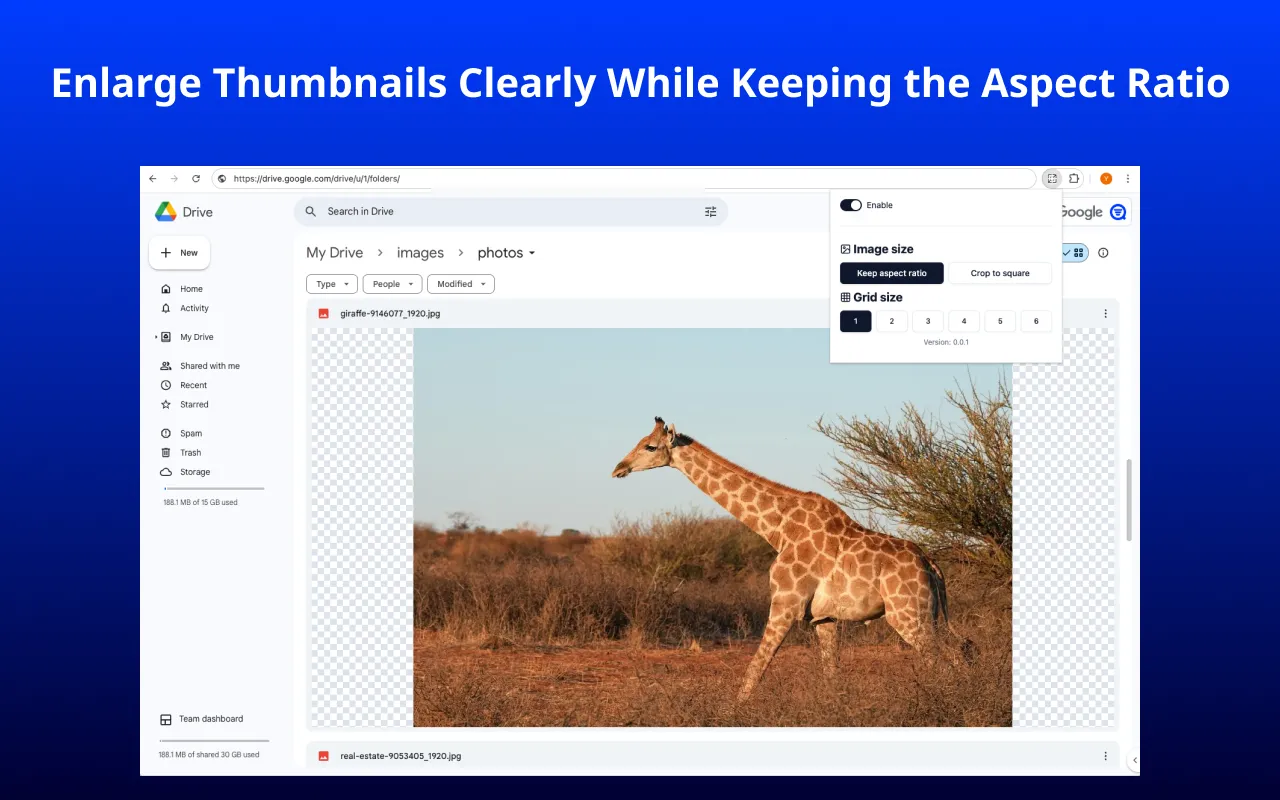
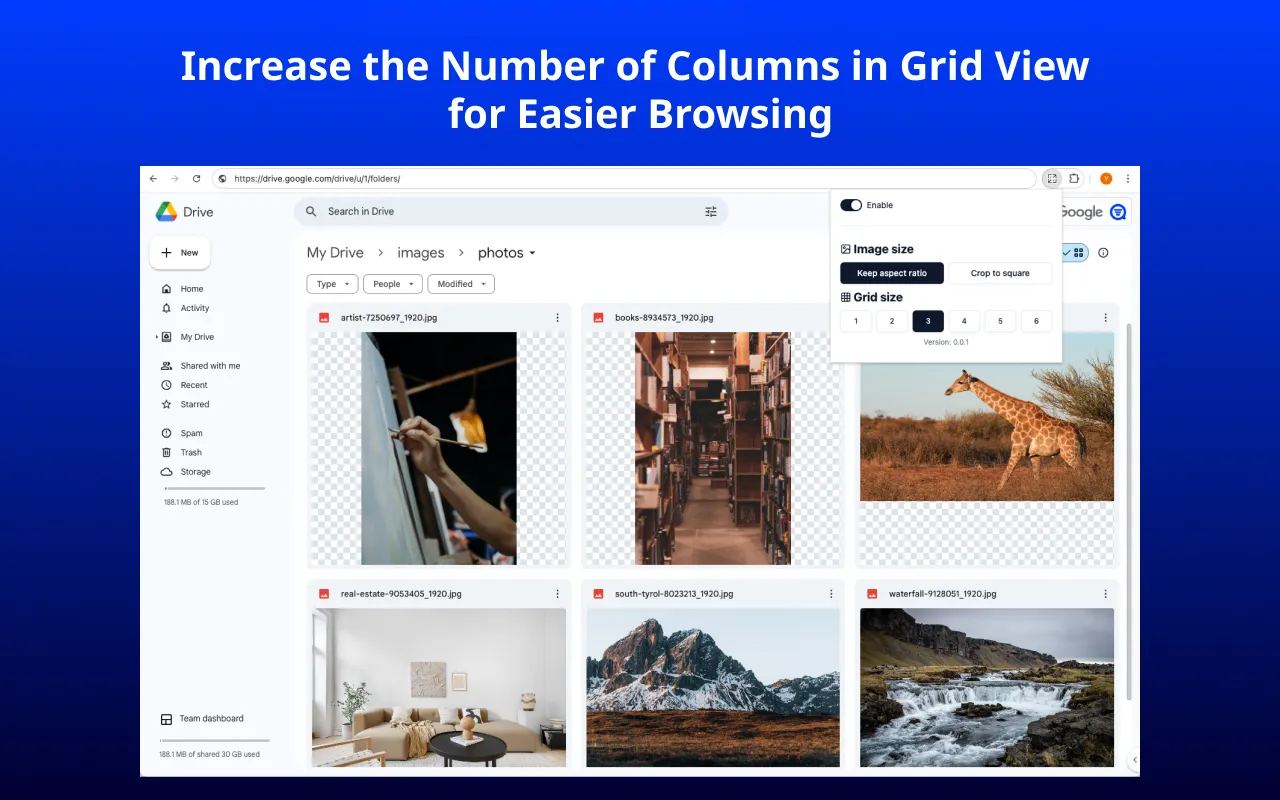
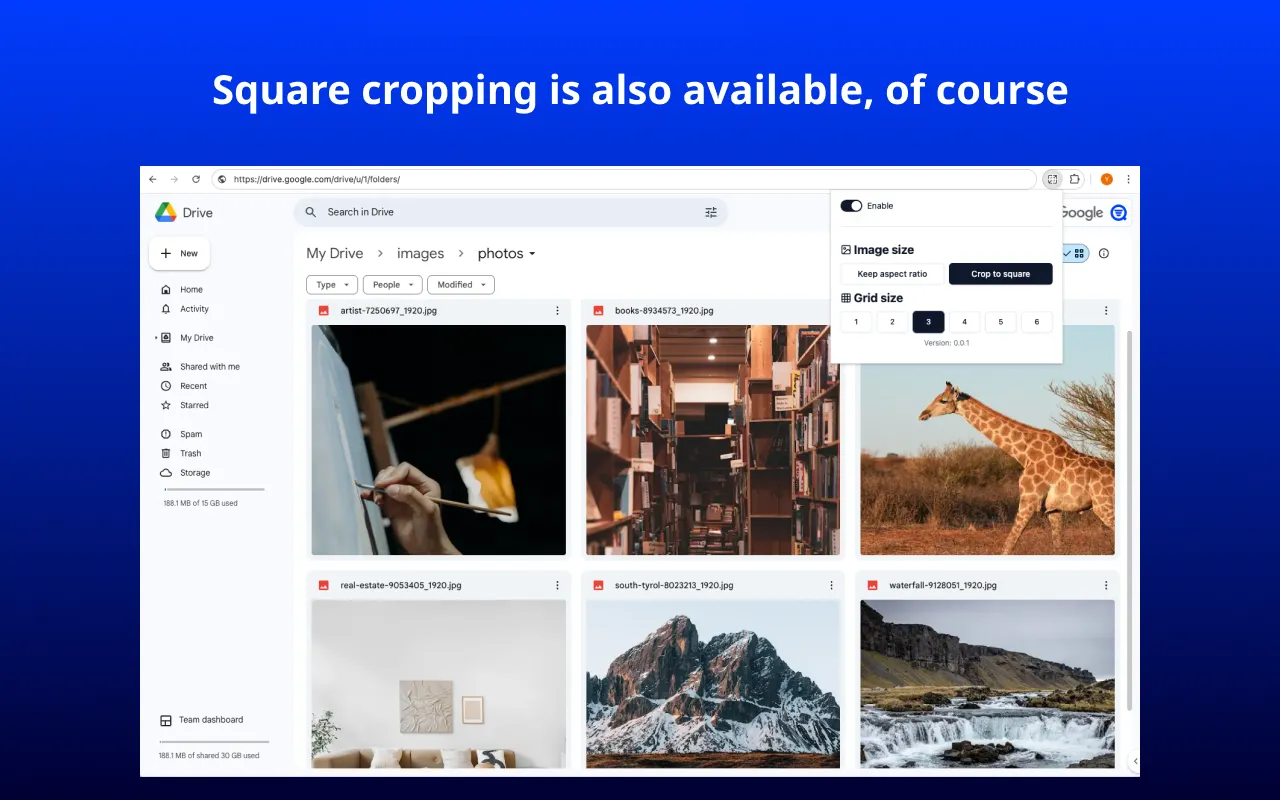
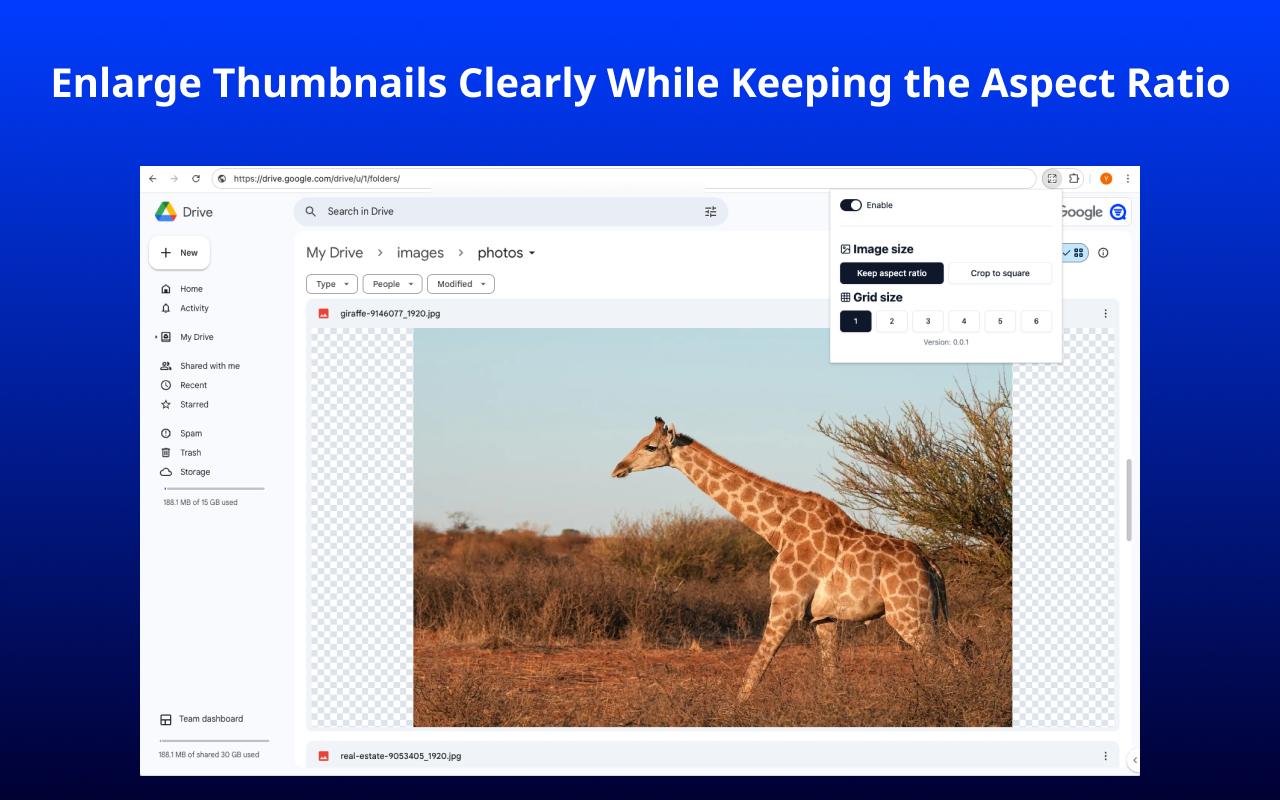
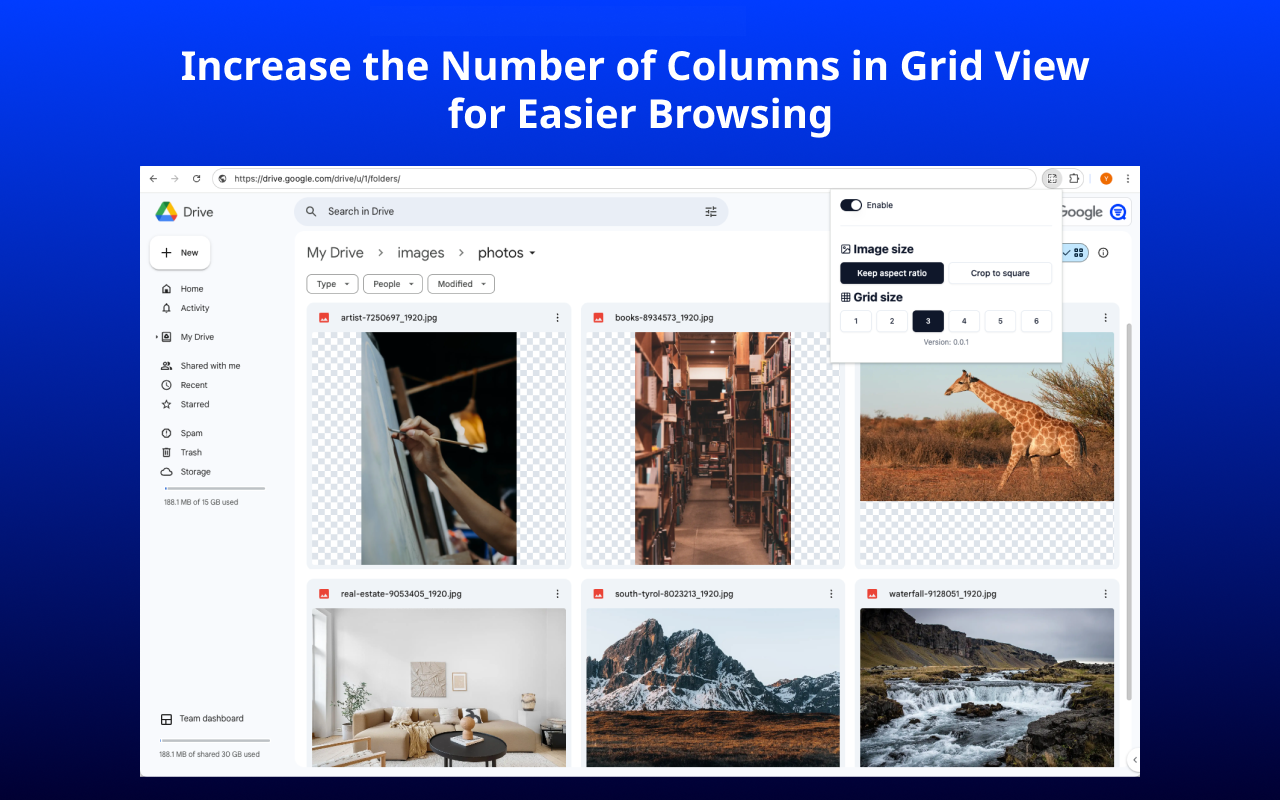
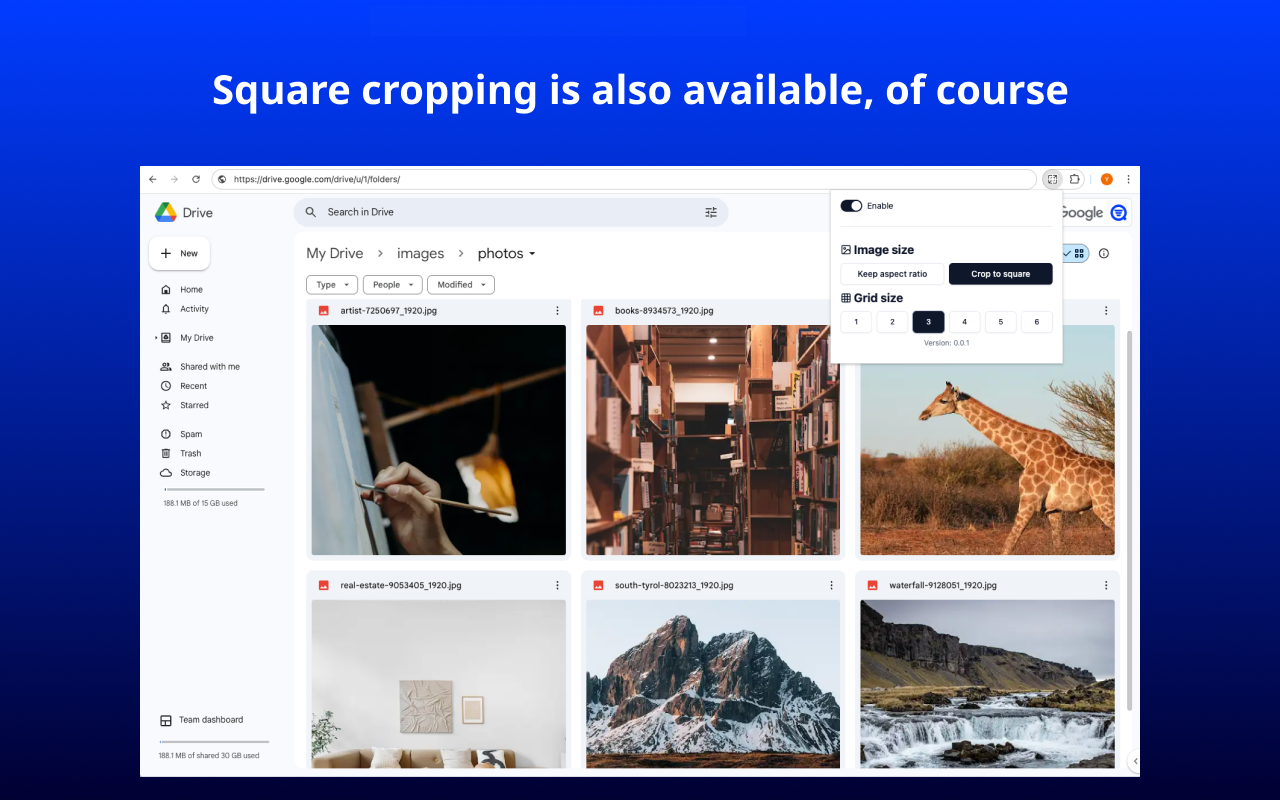
Easier photo and image viewing on Google Drive. You will be able to enlarge and enhance the clarity of image thumbnails in Google Drive for grid view. By displaying images optimized to fit your screen size while maintaining their original aspect ratio, it becomes easier to view the list of photos and images stored in Google Drive. Key Features: - Keep the aspect ratio of thumbnail images. - Or crop images into squares. - Display larger and clearer thumbnails compared to the standard. - Fix the grid column size to any number between 1 and 6. Privacy: Does not send or store any information to external services. The extension may stop working if the layout of Google Drive is updated. If you encounter any issues, please feel free to contact us at the support email address.
-

Document Preview Exporter for Google Drive
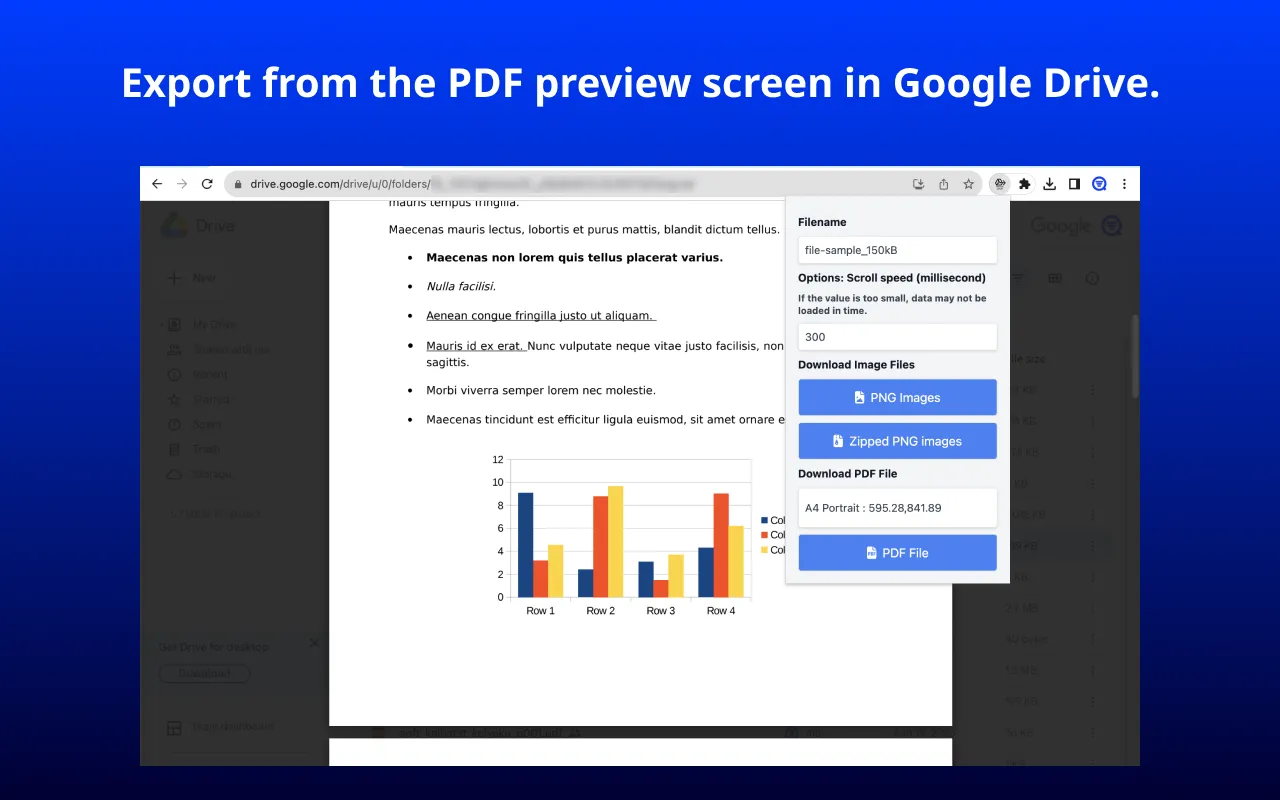
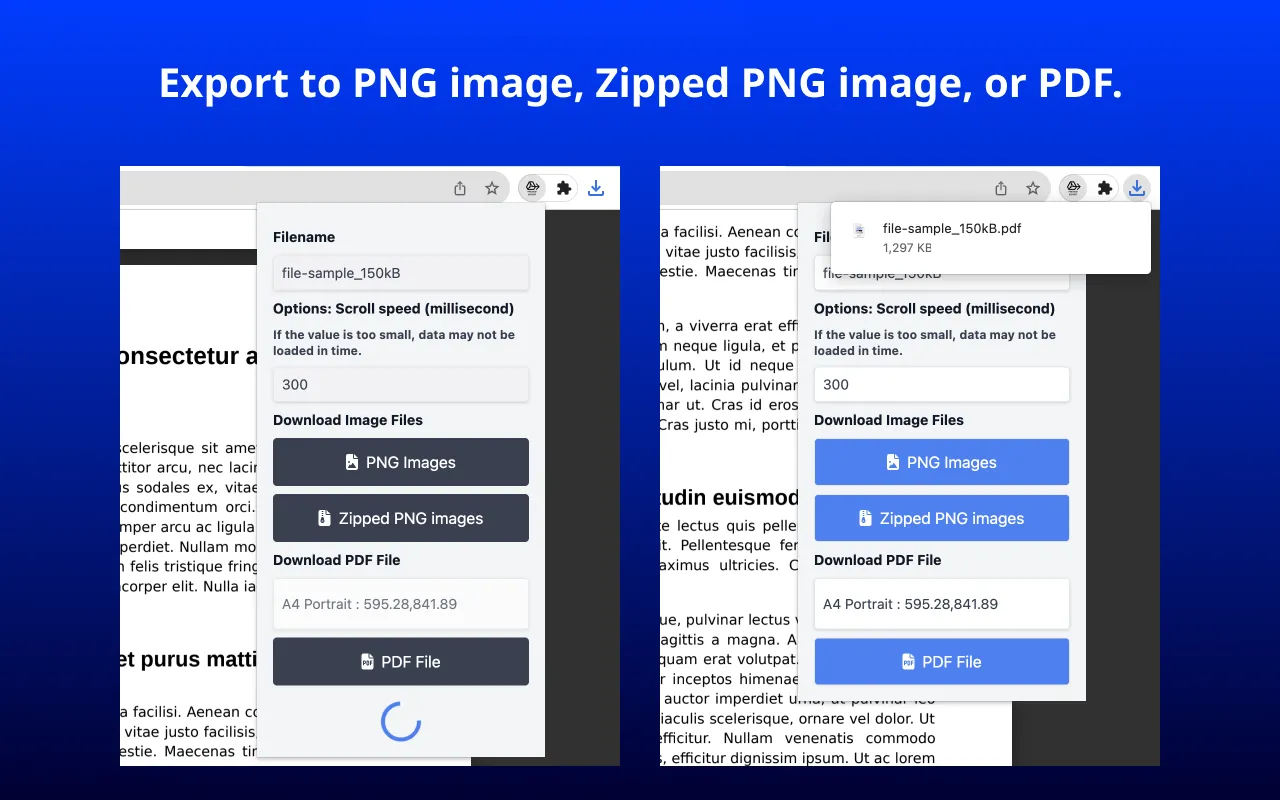
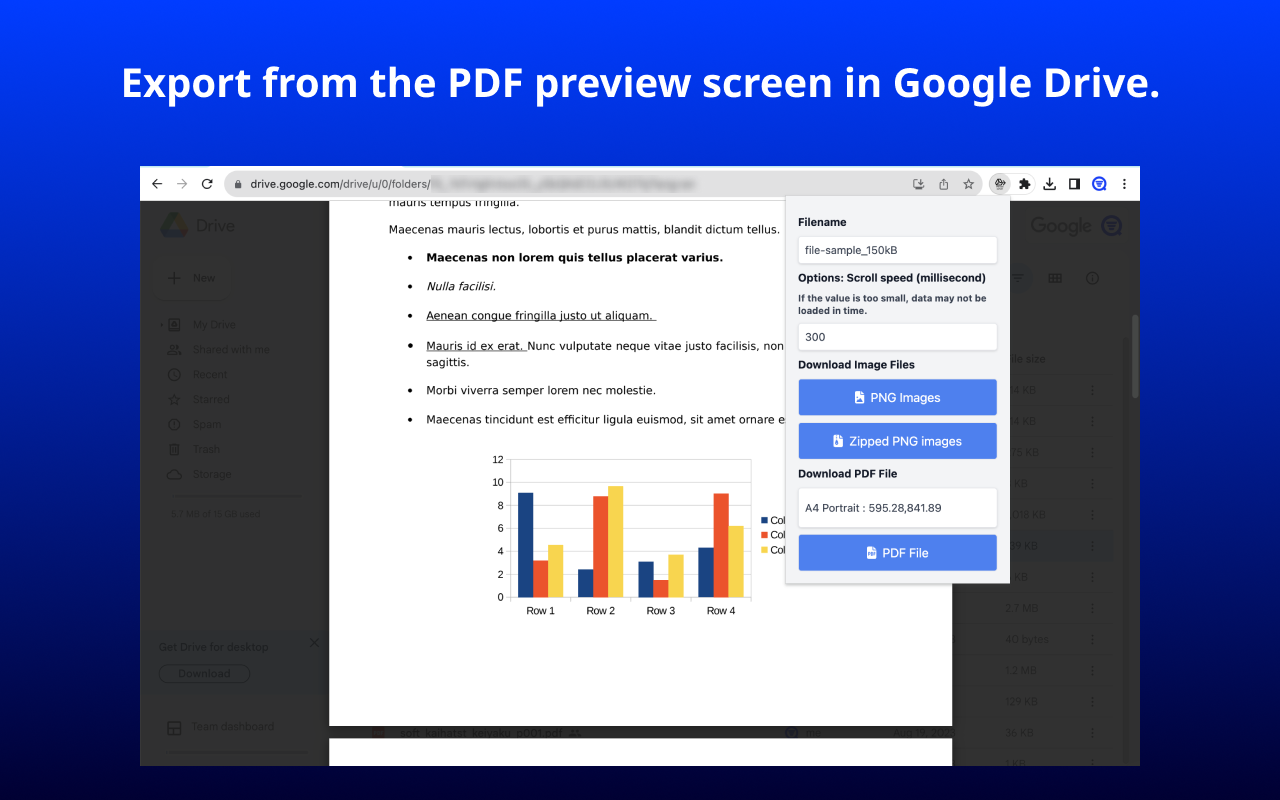
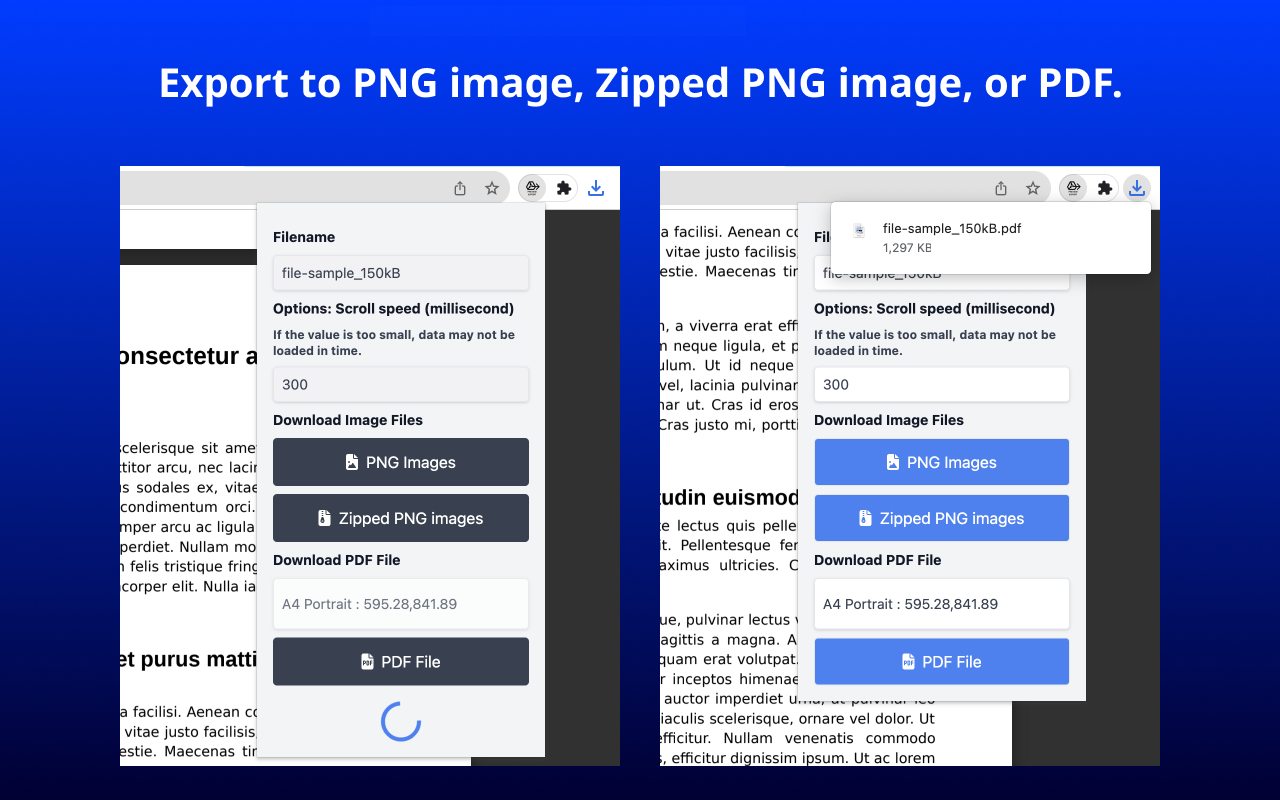
Chrome ExtensionExport pages from Google Drive document previews - including PDF, Word, and PowerPoint files - as PNG images, a ZIP archive, or a PDF. Open a file in Google Drive so that its preview is displayed, then click the extension icon and choose an export format. Key Features: * Export preview pages as PNG images, a ZIP archive, or a PDF * PDFs are image-based and do not contain selectable or searchable text * Specify an output filename * Choose PDF page size, such as A4, A3, and more * Choose PDF orientation: Portrait or Landscape Supported files PDF, Microsoft Word (.docx), Microsoft PowerPoint (.pptx), and Google Docs documents. Not supported: Google Sheets, Google Slides, and image-file previews such as JPG or PNG. For Google Sheets and Slides, use File > Download in the Google editor instead. Usage Notice This extension processes preview pages displayed in your browser; it does not grant access to documents. Use it only when you own the document, have the document owner's permission, or are otherwise authorized to save a copy. You are responsible for complying with applicable copyright, confidentiality, licensing, and organizational requirements.
-

Easy Grouping for Google Calendar
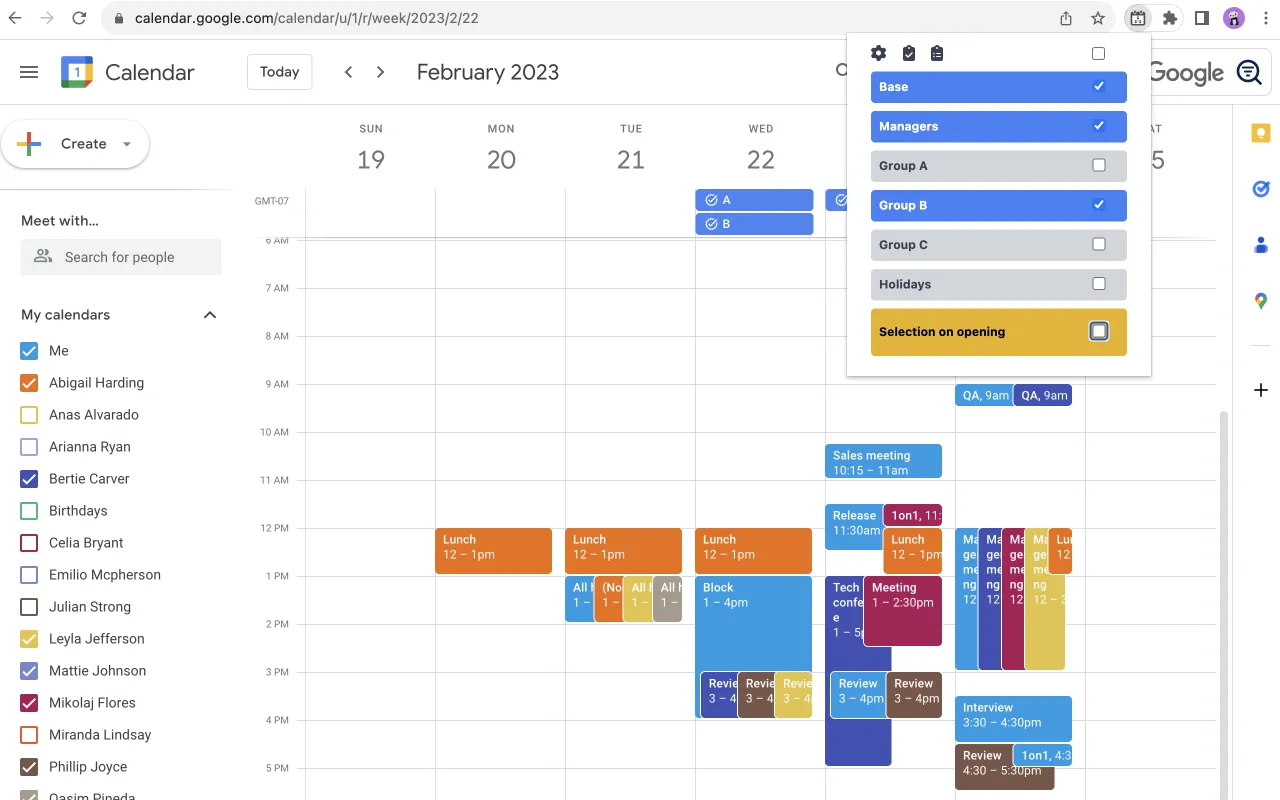
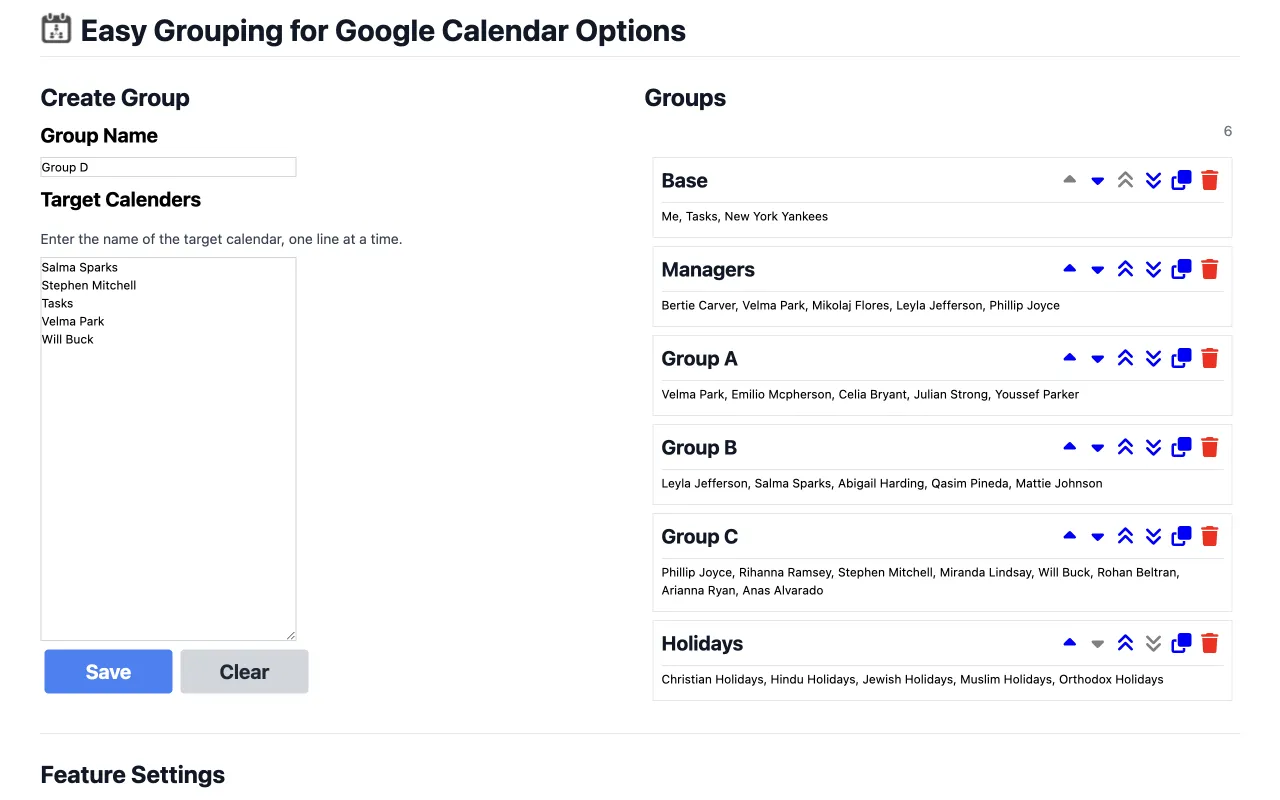
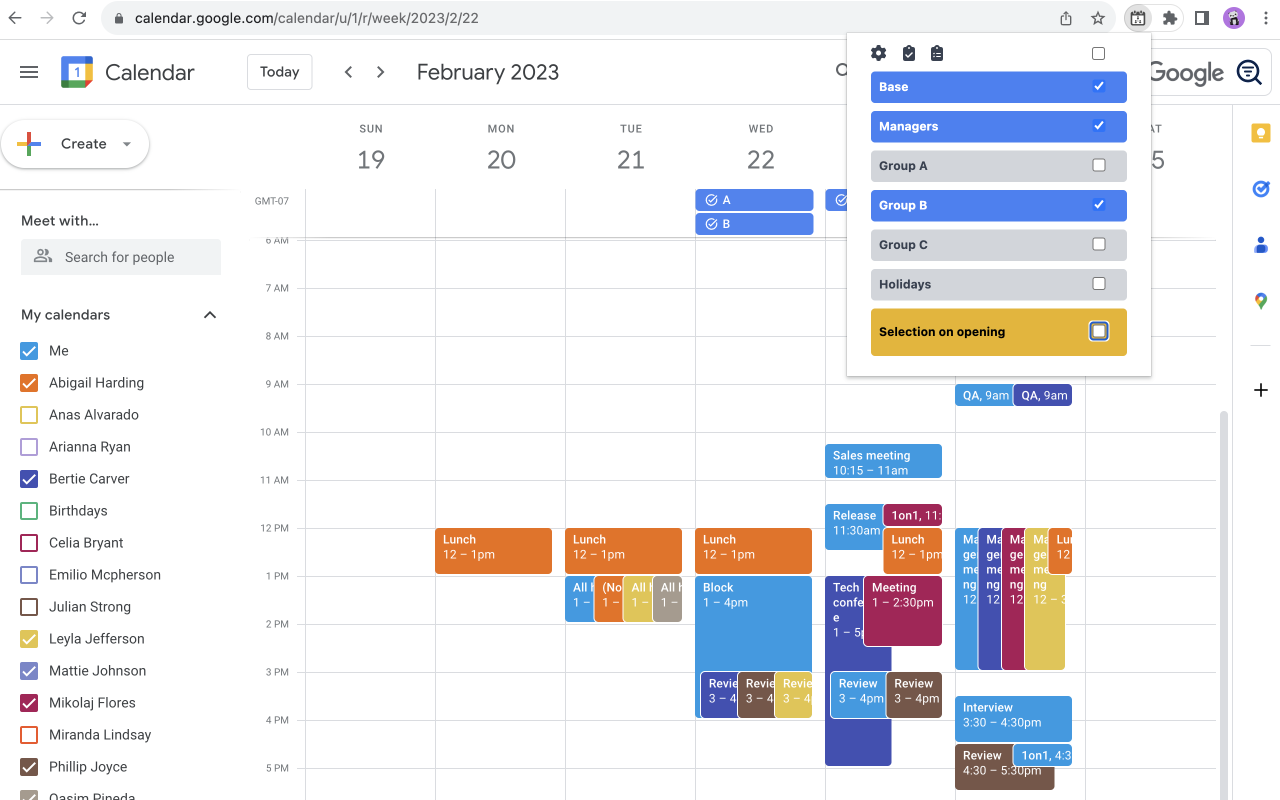
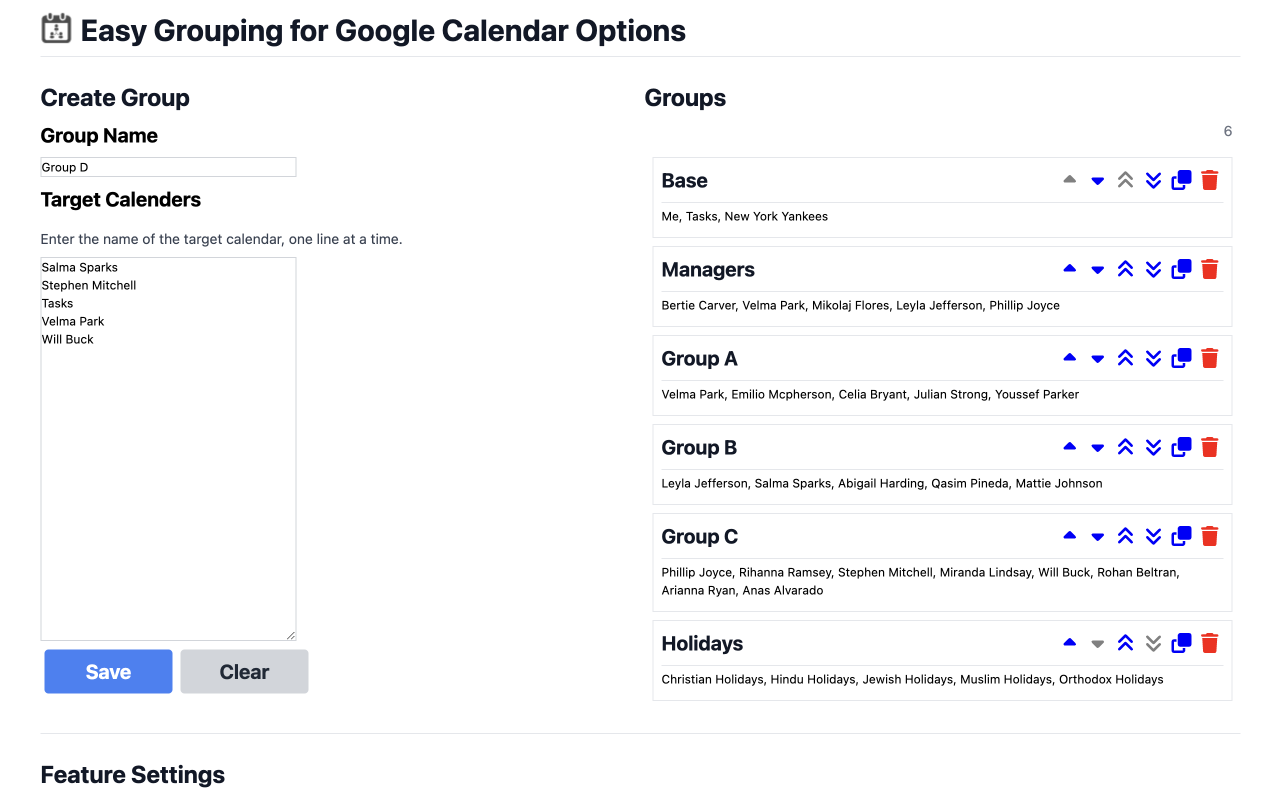
Chrome ExtensionEasily group calendars and switch between them quickly in Google Calendar. Groups can be defined for project teams, departments, or managers, depending on your use case. To create a group, simply enter the name of the group and the name of the target calendar from "My Calendars” and “Other Calendars" in the text area. You can easily combine, select and switch between calendars from a list of calendars you have defined. Key Features * You can easily define groups of calendars to which you are subscribed and switch between calendar groups. * Settings can also be imported and exported as JSON files.
-

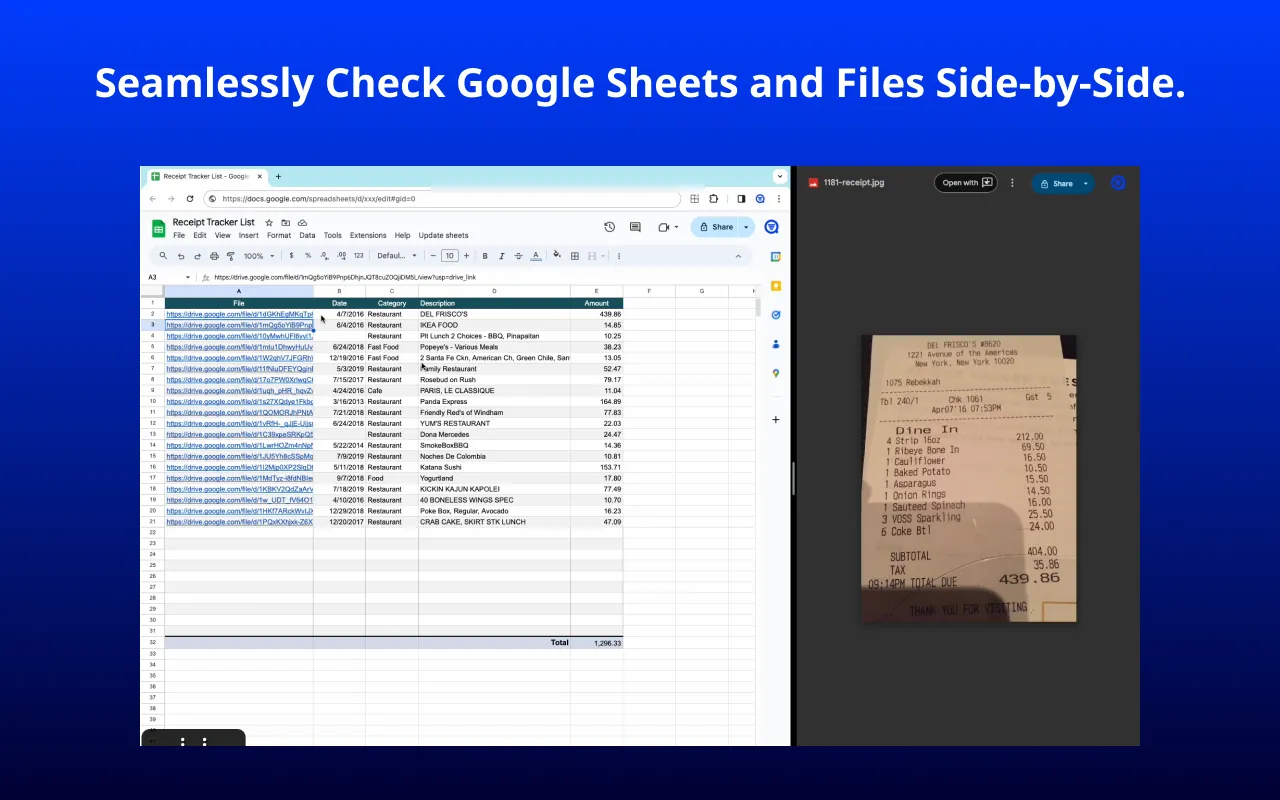
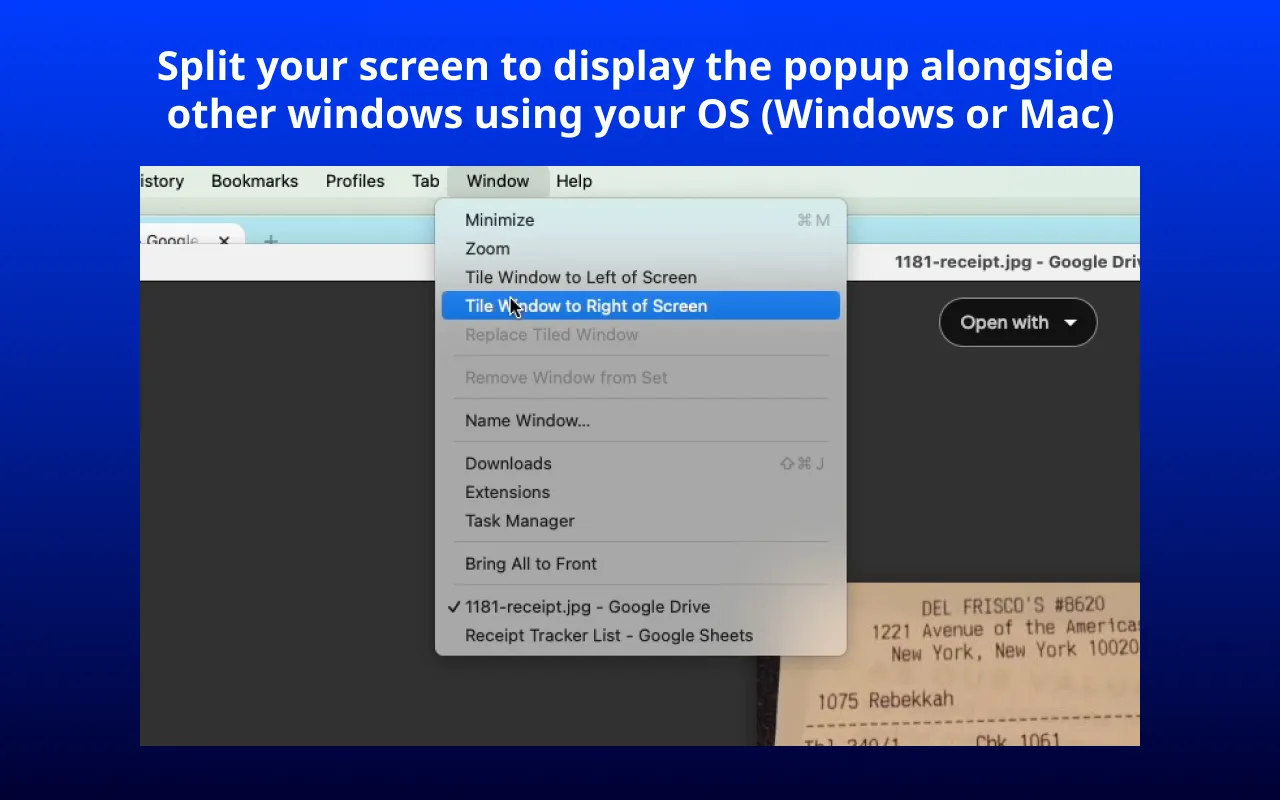
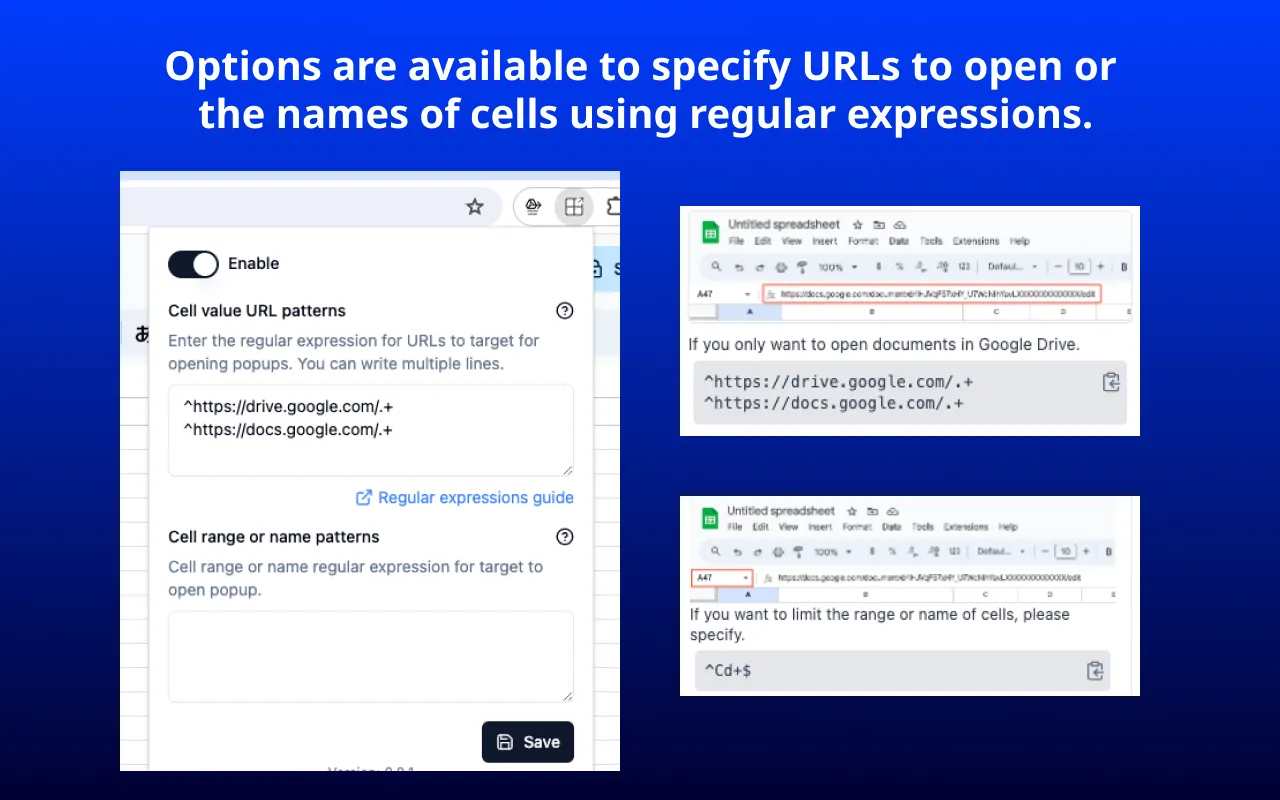
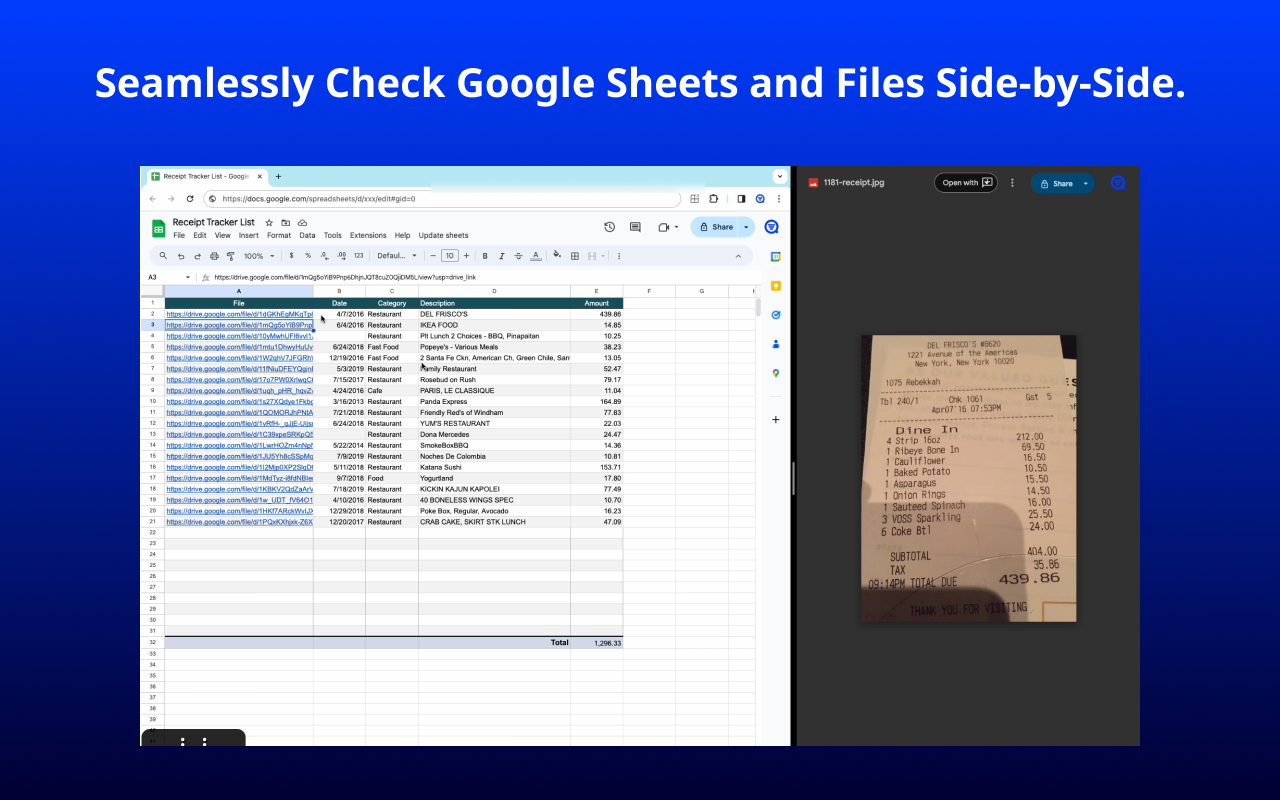
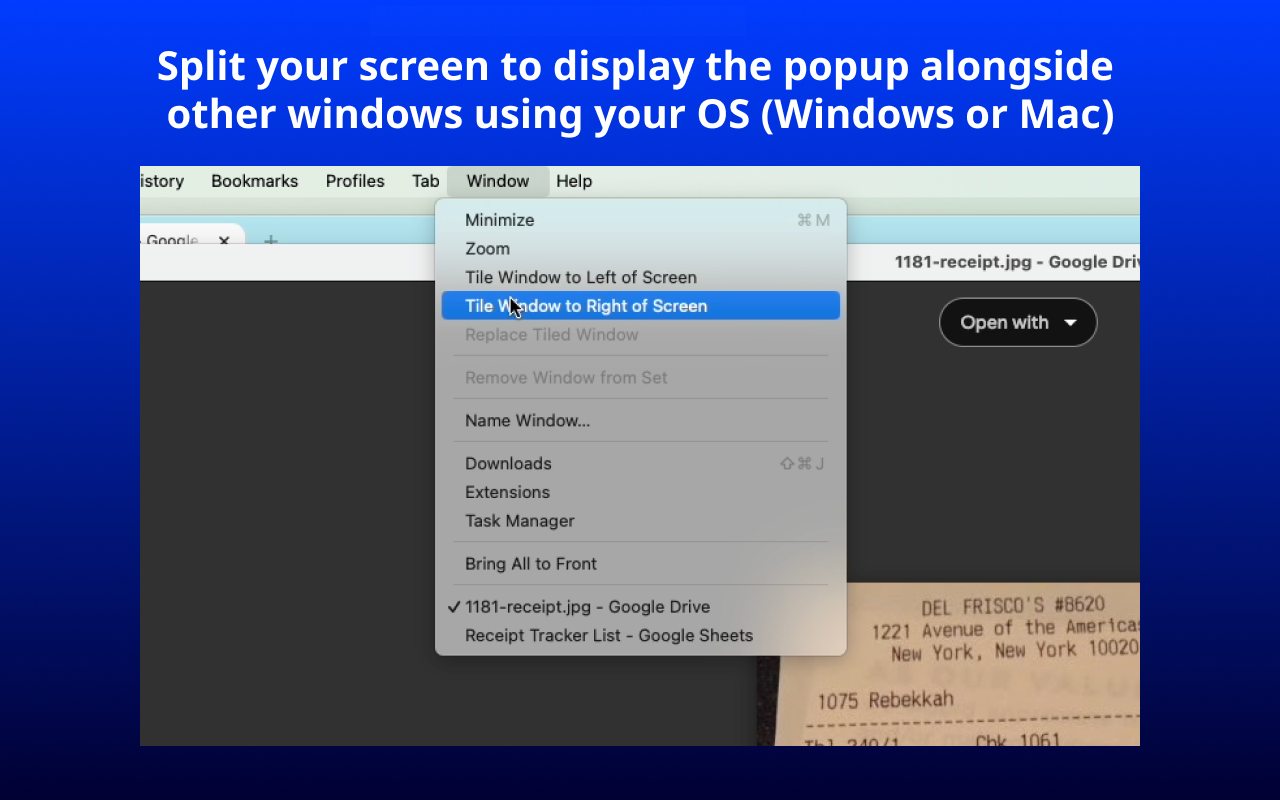
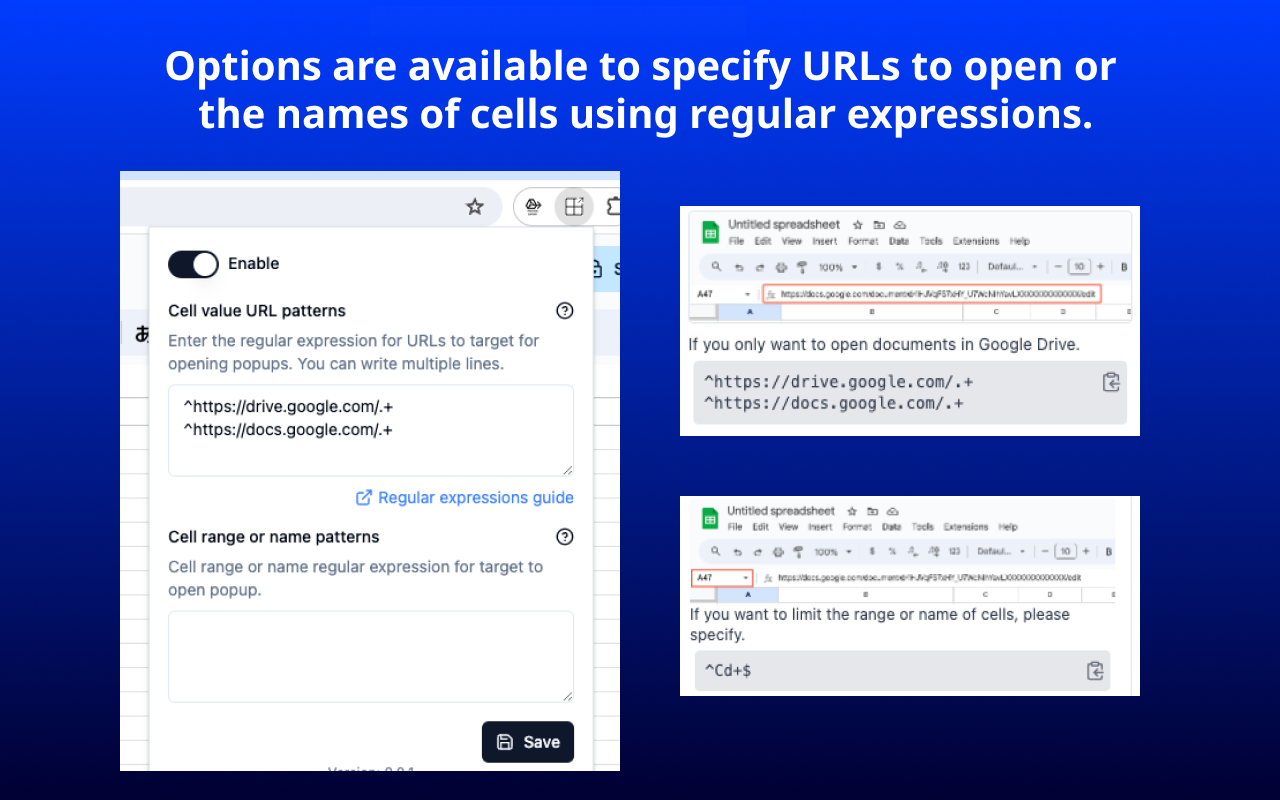
Google Sheets Link Auto Opener automatically opens a popup window when the value of the currently selected cell in a Google Spreadsheet is a URL. It enables users to view the spreadsheet and the content of the URL in a side-by-side arrangement, facilitating seamless and rapid review of both the spreadsheet data and the linked web content. This feature is particularly useful for efficiently comparing details of digitized invoices and receipts (processed through OCR or AI) against their original files. Key Features: Regular Expression-Based Filtering: This extension allows for the automatic opening of links only if the URL in a given cell, or the cell range/name, matches a specified regular expression pattern. This capability effectively prevents the opening of irrelevant links.
-

Udemy Business Linker
Chrome ExtensionLink to the Udemy Business page for the www.udemy.com course you are currently viewing. This extension provides for Udemy Business users.






Support a creator
All of the Browser Extensions currently offered are available for free. You can support the creator by sending a coffee. ☕